Unicode Fonts Explained: How Fancy Text Is Actually Created
You must have seen fancy-looking text on Instagram bios, Twitter names, or website headings, bold letters, cursive styles, or symbols that somehow work everywhere. At first glance, it feels like someone installed a special font you don’t have. But when you try to copy it into Word or Google Docs, it doesn’t behave like a normal font at all.
That’s because most “fancy fonts” you see online aren’t fonts in the traditional sense. They’re something else entirely. Once you understand what’s really happening behind the scenes, the whole thing becomes much easier to explain —and a lot less mysterious.
What People Mean When They Say “Unicode Fonts”
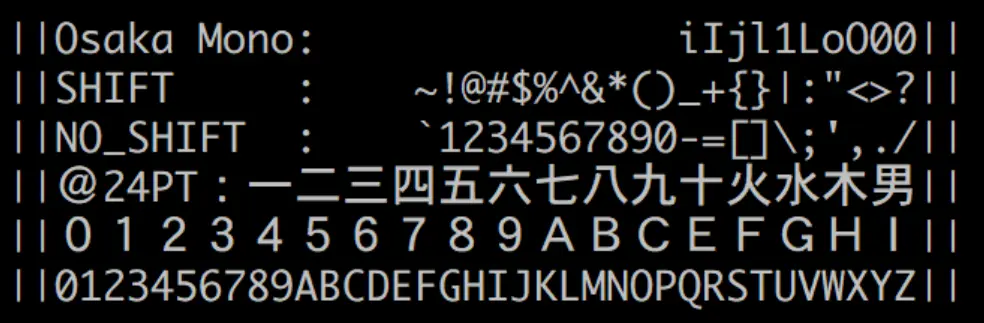
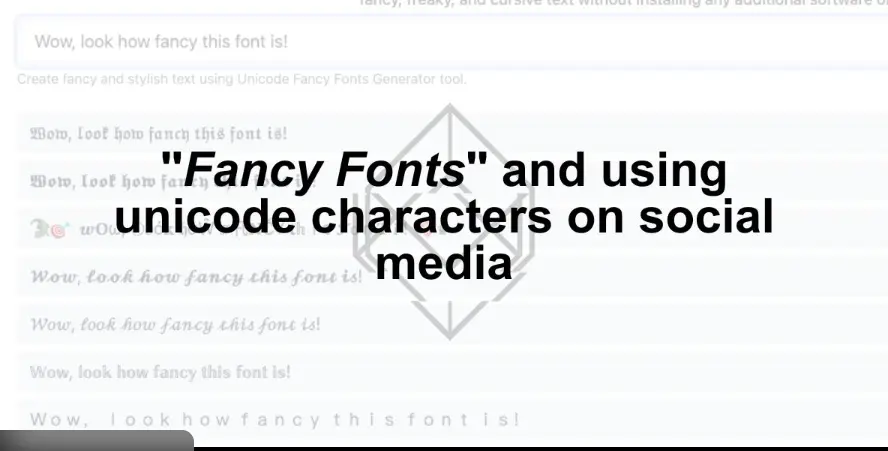
When most people say Unicode font, they’re usually talking about stylized text that looks bold, italic, cursive, or decorative, even though no font file is being applied.
In reality:
- There is no font being changed
- The text is still plain text
- The letters themselves are different characters
That difference is what makes fancy text work almost anywhere you paste it.
Unicode vs Fonts (The Simple Difference)
Here’s the easiest way to think about it:
- Fonts decide how a letter looks
- Unicode decides which letter exists
A font is like a costume you put on a character. Unicode is the character itself.
When you use bold in Word or Google Docs, you’re telling the software:
“Use the bold version of this font.”
When you use fancy Unicode text, you’re actually using completely different characters that already look bold or stylized — even before any font is applied.
Fonts vs Unicode Fancy Text: What’s the Difference?
| Feature | Fonts | Unicode Fancy Text |
|---|---|---|
| How it works | Styles normal letters using a font file | Uses completely different characters |
| Is it really a font? | Yes | No |
| Copy & paste behavior | Pastes as normal text | Pastes as special characters |
| SEO-friendly | Yes | Not always |
| Accessibility | Screen-reader friendly | Can cause issues |
| Best use cases | Articles, documents, websites | Bios, display names, visual flair |
Why Fancy Text Isn’t Actually a Font
This is the part most explanations skip.
Fancy text works because Unicode includes multiple versions of letters that were originally created for things like:
- Math notation
- Academic symbols
- Special writing systems
Some of those letters happen to look:
- Bold
- Italic
- Script-like
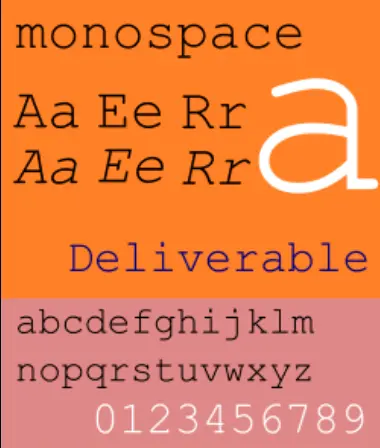
- Monospaced
So instead of styling normal letters, fancy text tools swap your regular letters with look-alike Unicode characters.
That’s why:
- You can paste fancy text anywhere
- It works on most devices
- It doesn’t show up in font menus
How Fancy Text Is Actually Created (Step by Step)
What Fancy Unicode Text Looks Like
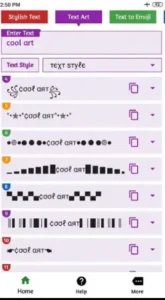
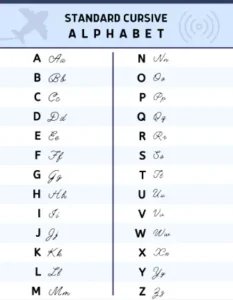
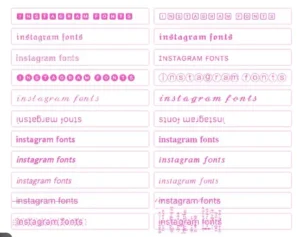
Here’s a simple visual example showing what changes — and what doesn’t:
Normal text:
Hello World
Fancy Unicode text:
𝐇𝐞𝐥𝐥𝐨 𝐖𝐨𝐫𝐥𝐝
Even though the second line looks bold, no font is being applied. The letters themselves are different characters.
If you’re curious to see how this works in real time, you can try a fancy text generator that instantly converts normal text into Unicode characters.
Here’s the process in plain English:
- You type normal text
- Example: Hello
- A fancy text generator replaces each letter
- H becomes a stylized Unicode version
- e, l, l, o are replaced the same way
- The result looks styled
- But it’s still plain text
- No font styling is involved
- Your device displays it
- Phones, browsers, and apps recognize the characters
- So they render them correctly
Nothing is “applied.” The text itself has changed.
Why It Works Across Apps and Platforms
Because Unicode is a global standard, most modern systems already know how to display these characters.
That’s why fancy text often works in:
- Social media bios
- Messaging apps
- Websites
- Usernames and profiles
As long as the platform supports those Unicode characters, the text will appear exactly as intended.
Common Types of Fancy Unicode Text You See Online
Some of the most common styles include:
- Bold-looking letters (often used in bios and headlines)
- Italic or cursive styles that mimic handwriting
- Monospace text that looks typewriter-like
- Circled or boxed letters
- Small caps or decorative variations
Again, none of these are fonts. They’re different characters that just happen to look styled.
When Fancy Text Can Cause Problems
This is where things get practical.
Fancy Unicode text can:
- Break search and indexing
- Confuse screen readers
- Copy incorrectly in some apps
- Appear inconsistent across platforms
That’s because systems treat these characters as unique symbols, not normal letters.
So while it looks like bold text to you, software may not treat it that way behind the scenes.
When Using Fancy Text Makes Sense (And When It Doesn’t)
Usually fine for:
- Social media bios
- Display names
- Decorative headings
- Visual branding elements
Not ideal for:
- Long paragraphs
- SEO-critical text
- Accessibility-focused content
- Searchable names or keywords
A good rule of thumb:
If readability or discoverability matters, use real fonts.
If visual flair matters more, Unicode fancy text can work.
Key Takeaways
- Fancy text you see online usually isn’t a font.
- It works by replacing normal letters with Unicode characters.
- The text is still plain text — just made of different symbols.
- This is why it pastes almost anywhere.
- Fancy Unicode text looks styled but behaves differently behind the scenes.
The Big Idea to Remember

Unicode fancy text works because the letters are actually different characters, not because anything is being styled. Once that idea sinks in, a lot of the weird behavior starts to make sense — why it pastes almost anywhere, why it can break search or formatting, and why it doesn’t act like real bold or italic text.
It’s not a trick so much as a side effect of how modern text systems are built. And once you see it that way, the mystery pretty much disappears.