Font Generator – Customize Your Text From Cool To Cursive
📱 Platform Preview
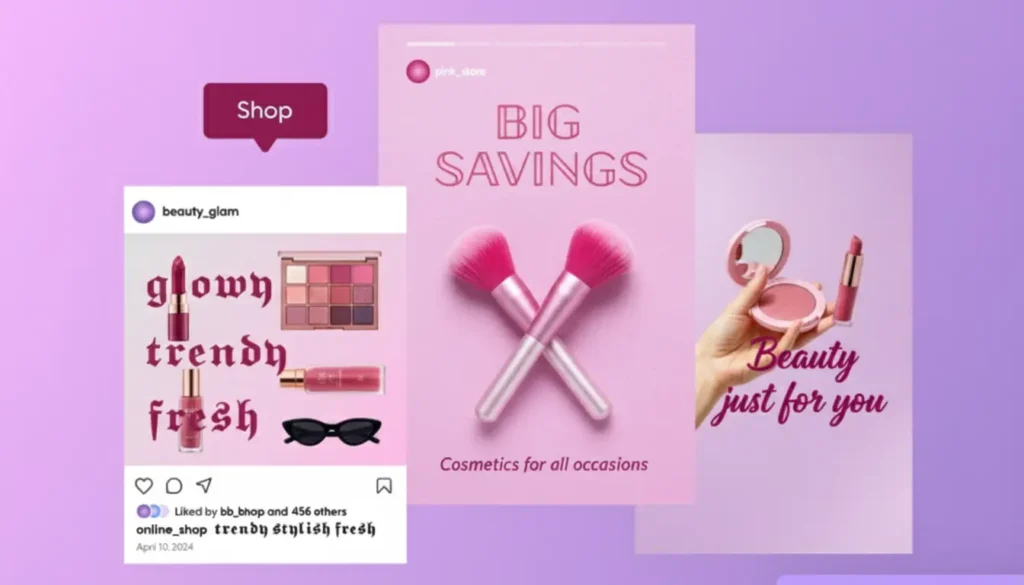
Platform Preview: This is a visual preview and does not represent an official platform interface.
Font Generator — Create Stylish Text to Copy and Paste
If your text looks ordinary, you can change its style without installing a new font or opening a design program. Our font generator turns regular words into more than 200 ready-to-use Unicode text styles, including cursive, Gothic, bold, bubble, aesthetic, glitch, tattoo-inspired, and small-text styles. Type or paste your text, search through the available styles, preview your result, and copy the version you like.
The tool is designed for the places where people actually use styled text: social media bios and captions, usernames, gaming profiles, messages, creative projects, and short decorative text. You can also switch between Instagram, TikTok, Discord, Facebook, WhatsApp, X, and Roblox previews before copying your result. The preview is a visual guide rather than an official replica of any platform, and because the generated text uses Unicode characters, the way a particular style appears can vary between apps, devices, and browsers.
How the Font Generator Works
Create your styled text in four simple steps:
1. TYPE OR
PASTE YOUR TEXT
Enter a name, word, caption, username, message, or any other text you want to style.
2. SEARCH OR
CHOOSE A STYLE
Browse more than 200 ready-to-use styles or search for a particular look, such as cursive, Gothic, bold, bubble, aesthetic, or glitch.
3. PREVIEW
YOUR TEXT
Switch between the Instagram, TikTok, Discord, Facebook, WhatsApp, X, and Roblox previews to see how your styled text looks in context before copying it.
4. COPY
AND PASTE
Copy the style you like and paste it into a supported app, website, profile, message, or other text field.
What Professionals Say About Online Fonts Generator








Explore 200+ Ready-to-Use Text Styles
The generator includes more than 200 ready-to-use designs across eight broad style categories. The categories help you find a visual direction without testing every style individually.
Choose a Style Category
| Style Category | Good Starting Point For |
|---|---|
| Cursive / Script | Elegant names, bios, captions, personal text |
| Gothic / Old English | Dark themes, gaming names, dramatic text |
| Bold / Italic / Underline | Emphasis and short text |
| Bubble / Cute / Aesthetic | Playful profiles, captions, and usernames |
| Weird / Freaky / Glitch | Memes, gaming, experimental and unusual text |
| Graffiti / Tattoo / Metal | Creative projects and themed lettering |
| Pop Culture Styles | Playful and themed text |
| Tiny / Small Caps | Short labels, usernames, and compact text |
The category is only a starting point — try several styles before choosing one, especially if your text will be displayed on more than one platform.
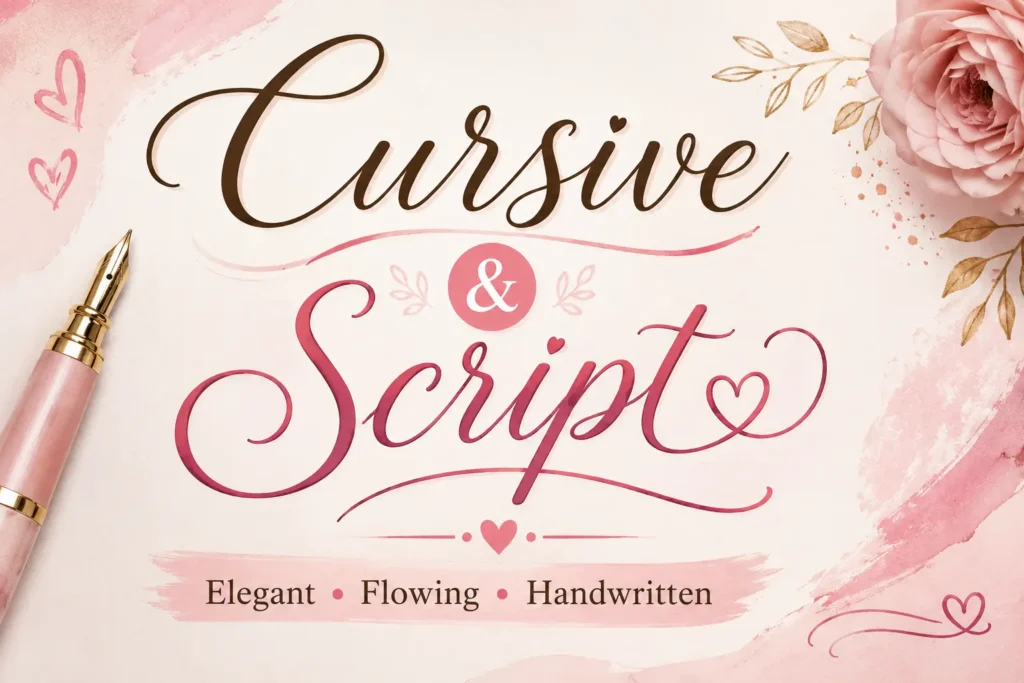
Cursive and Script
Cursive and script styles give ordinary text a handwritten or flowing appearance, well suited to names, short bios, invitations, and decorative captions. If you want more depth than the homepage covers, our Cursive Font Generator has a wider set of script-only styles to browse.
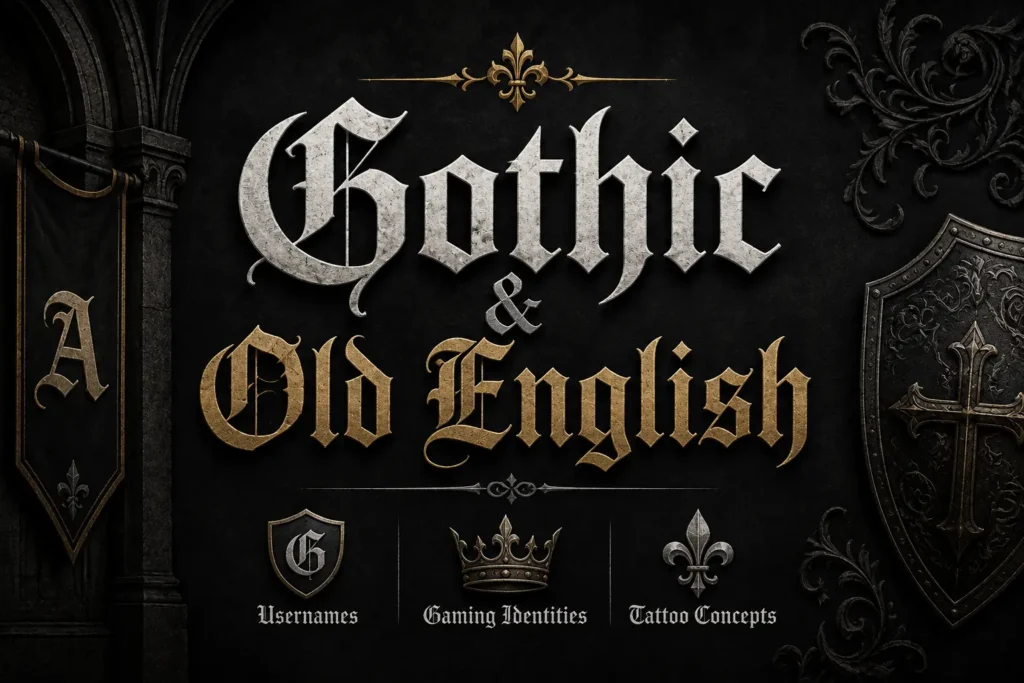
Gothic and Old English
Gothic and Old English styles have darker, more traditional lettering forms — often used for usernames, gaming identities, and tattoo concepts. For a full set of dark and medieval-style lettering, see the Gothic Font Generator or the Old English Font Generator.
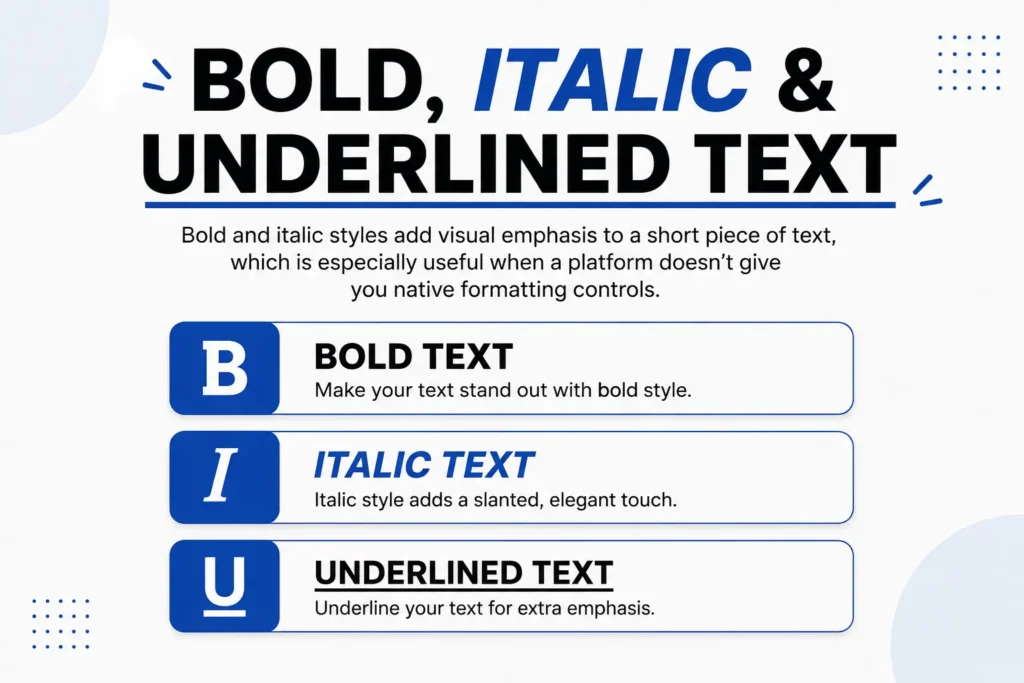
Bold, Italic and Underlined Text
Bold and italic styles add visual emphasis to a short piece of text, which is especially useful when a platform doesn’t give you native formatting controls.
Bubble, Cute and Aesthetic Styles
Bubble, cute, and aesthetic styles are softer, more playful alternatives to ordinary lettering — good for social profiles, captions, and usernames. Choose based on readability as well as looks: a style that reads well in a short name can get harder to read across a longer caption.
Weird, Freaky and Glitch Styles
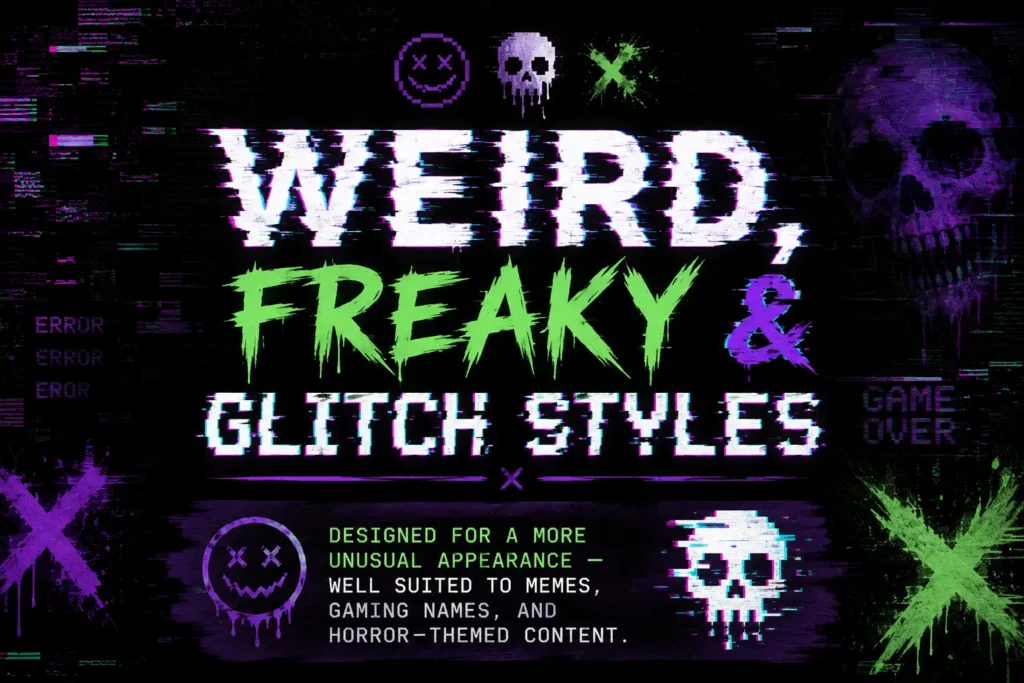
Designed for a more unusual appearance — well suited to memes, gaming names, and horror-themed content. If this is the look you’re after, the Freaky Font Generator is built specifically for glitch and distorted text.
Graffiti, Tattoo and Metal Styles
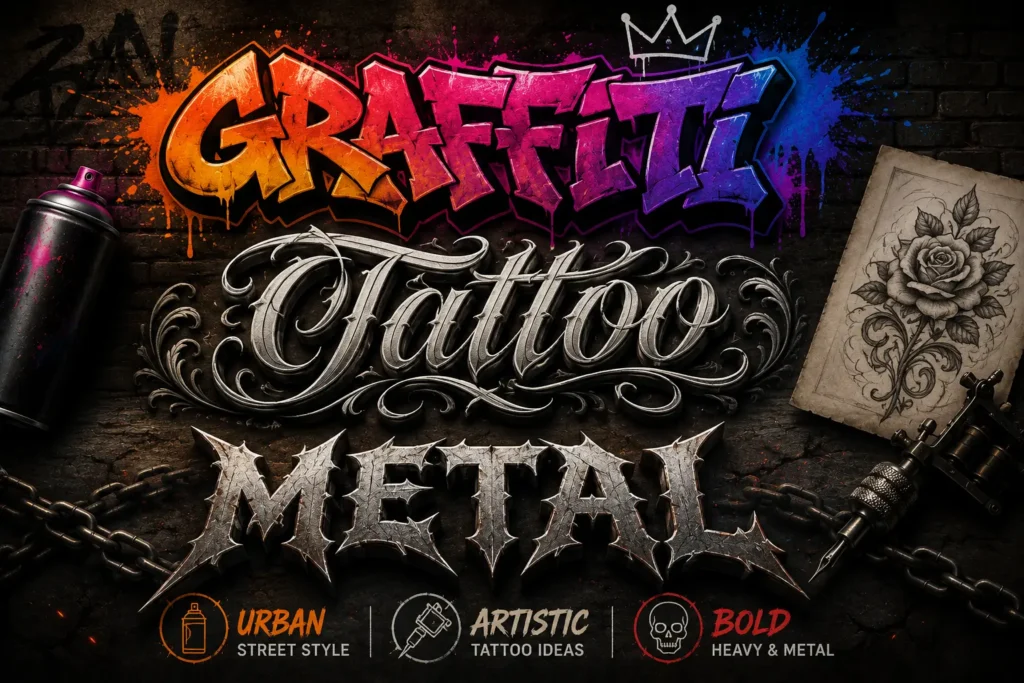
Bring an artistic, urban, or heavy visual character to short text — useful for exploring names, artwork, and tattoo concepts before committing. Sketching out a tattoo idea? The Tattoo Font Generator is set up to preview lettering the way it’d look inked, not just on screen.
Pop Culture-Inspired Styles
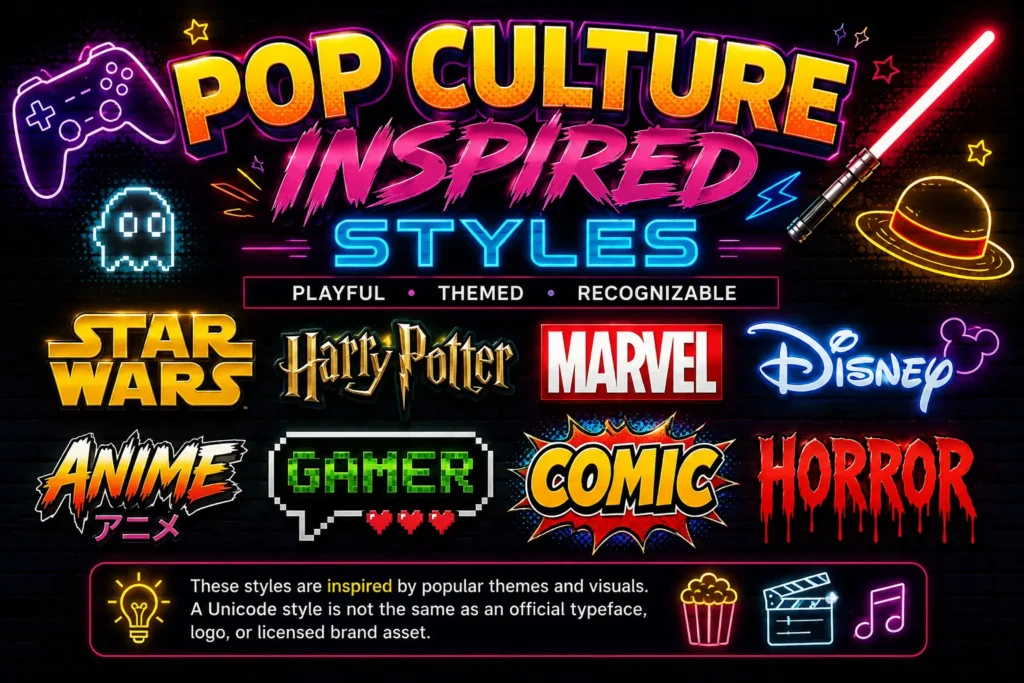
Selected styles inspired by recognizable visual themes — useful for a playful, themed treatment of short text. Use these for inspiration; a Unicode style is not the same as an official typeface, logo, or licensed brand asset.
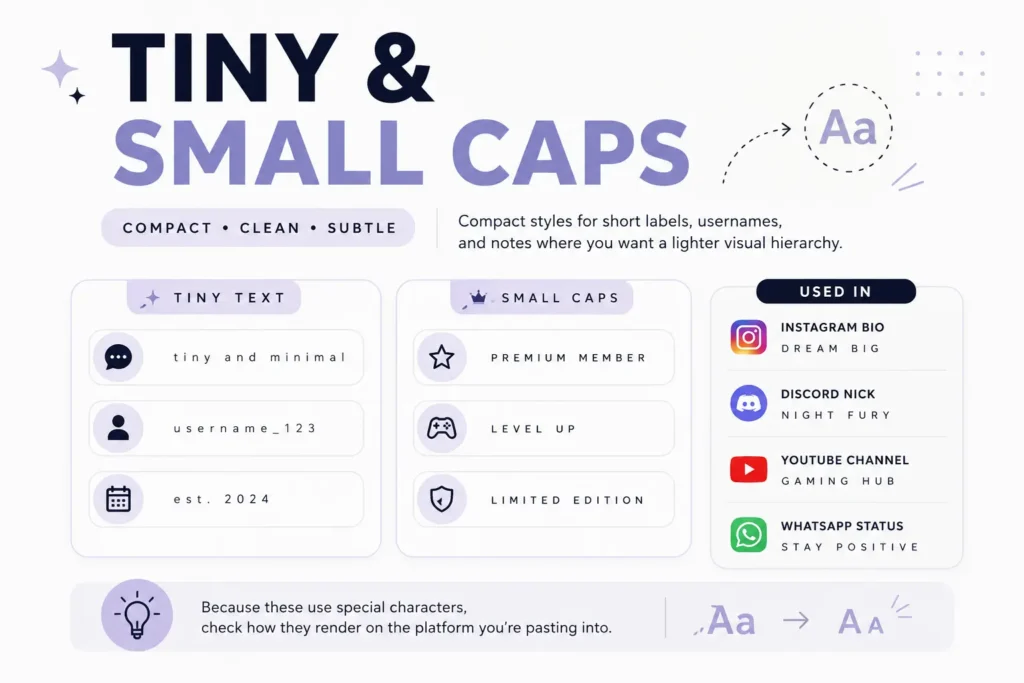
Tiny and Small Caps
Compact styles for short labels, usernames, and notes where you want a lighter visual hierarchy. Because these use special characters, check how they render on the platform you’re pasting into.
Preview Your Text Before You Copy It
The generator includes visual previews for Instagram, TikTok, Discord, Facebook, WhatsApp, X, and Roblox, so you can compare your styled text in context before copying it. These are visual guides rather than official platform interfaces — the final appearance can still vary depending on the app, device, browser, and characters used.
What Is a Font Generator, and How Is It Different From a Real Font?
A font generator is an online tool that transforms ordinary text into a different visual style. For copy-and-paste tools like this one, the result is created using Unicode characters, not a new font file installed on your device.
How It Works
Instead of installing a new typeface, the generator replaces ordinary characters with Unicode characters that have different visual forms. You copy the resulting text and paste it into any supported website or app. No installation is required because the styling lives in the characters themselves, not in a font file.
For the full technical breakdown, read Unicode Fonts Explained .
Unicode Text vs. a Traditional Font
| Copy-and-Paste Unicode Text | Traditional Font |
|---|---|
| Uses Unicode characters to create different text styles | Provides a font resource used to render characters |
| Can be copied and pasted into supported text fields | Usually needs to be installed, uploaded, or made available to the software |
| Useful for social profiles, usernames, messages, and short decorative text | Useful for documents, websites, branding, and graphic design |
| Does not create a TTF or OTF font file | Can be distributed as a font file such as TTF or OTF |
| Appearance can vary depending on character and platform support | Appearance depends on the font being available to the software or device |
If you need copy-and-paste text for a profile or message, a Unicode generator is the right tool. If you need an actual font file for design or publishing work, you need a different type of tool entirely.
Font vs. Typeface vs. Unicode Text
These terms get used interchangeably online, but they mean different things. Here is a simple way to separate them.
Typeface
The overall visual design of a set of letters, numbers, and other characters.
Font
A particular implementation of a typeface that software can use to display text.
Unicode
A standard used to represent characters digitally across different systems.
A copy-and-paste font from a generator like this one is not a conventional font. It changes the characters in your text, and your device renders those characters using whatever fonts it already has available. That is also why the same Unicode text can look slightly different on two different devices.
Will the Generated Text Work Everywhere?
Not necessarily. Unicode text works across many popular platforms, but support isn’t identical for every character. An app, browser, operating system, or device may fall back to a different font, or may not have a glyph for a particular character at all.
How to Choose the Right Text Style
The most eye-catching style isn’t always the right one. Start with what you want the text to communicate.
✦ Elegant & Handwritten
Try cursive, script, or calligraphy for names, invitations, bios, and decorative captions. Calligraphy Font Generator has a dedicated set for this.
✦ Dark & Traditional
Try Gothic or Old English styles for usernames, gaming identities, and dramatic text.
✦ Strong Emphasis
Try bold or italic styles when you want short text to stand out clearly.
✦ Playful & Cute
Try bubble, cute, or aesthetic styles for playful profiles, captions, and usernames.
✦ Weird & Experimental
Try glitch, freaky, or distorted styles for unusual text, memes, gaming, and creative projects.
✦ Usernames
Favor styles that stay readable at a glance, especially on smaller screens.
✦ Longer Text
Keep decoration limited. Heavily stylized Unicode can become harder to read as the text gets longer.
What Can You Use a Font Generator For?
Font generators can be useful for short text where you want a different visual style. Here are some common ways people use them.
Social Media Bios and Captions
Use short decorative styles to give a profile name, bio, caption, or post a different visual appearance.
Usernames and Nicknames
Experiment with different styles before settling on a display name for a social account, gaming community, or online profile.
Messages and Status Text
Short messages and status updates can use decorative characters as long as the result stays easy to read.
Gaming Profiles
Gothic, bold, glitch, and metal-inspired styles can help you experiment with gaming names and profile text.
Creative Projects
Explore lettering ideas for short headings, mockups, invitations, posters, and other personal creative work. For professional design work, remember that copy-and-paste Unicode text isn’t a substitute for an installable font. If you need a specific file, licensing rights, or precise typographic control, you’ll need a dedicated font or design tool.
Use Decorative Text Without Sacrificing Readability
Stylized Unicode is most useful when it adds something to a short piece of text. It’s not a good replacement for normal text everywhere. A decorative username or heading can work well; turning an entire set of instructions into unusual Unicode makes the information harder to read.
This matters for accessibility too: some decorative characters are interpreted differently by assistive technologies, and some styles are harder to visually distinguish.
Built With a Focus on User Experience
Online Fonts Generator is built and maintained as a browser-based text styling tool, with a focus on making styled text easy to generate, preview, and copy.
Manahil Hassan
Web developer behind the coding and design work, maintaining the site’s functionality and user experience.
View LinkedIn ProfileFrequently Asked Questions
See Using Online Font Generators for Instagram and TikTok for practical tips.
Start with the Discord Font Generator .
Learn More About Fonts, Unicode, and Stylish Text
Unicode Fonts Explained
Learn how Unicode characters create stylish copy-and-paste text.
Read guide →ASCII vs Unicode vs UTF-8
Learn the technical difference between common text-encoding terms.
Read guide →Fonts, Typefaces, and Unicode Styles
See what makes fonts, typefaces, and Unicode styles different from each other.
Read guide →Why Some Fancy Fonts Don’t Work
Find common reasons stylish text may look different or fail to render on some apps and devices.
Troubleshoot →Gothic Font Copy and Paste Guide
Browse ready-to-use Gothic examples for usernames, captions, and other short text.
View examples →The History and Evolution of Gothic Typography
Learn about the history, types, and modern uses of Gothic typography.
Learn more →Start Creating Your Styled Text
Enter your text, search the available styles, compare the results, and copy the version that fits your purpose. With 200+ ready-to-use Unicode styles, eight style categories, and previews for seven popular platforms, the generator gives you a practical way to experiment with your text without installing a font. Start with a simple word or name, test a few styles, and pick the one that’s both visually interesting and easy to read.