How to Use Barbie Fonts in Canva (Step-by-Step)
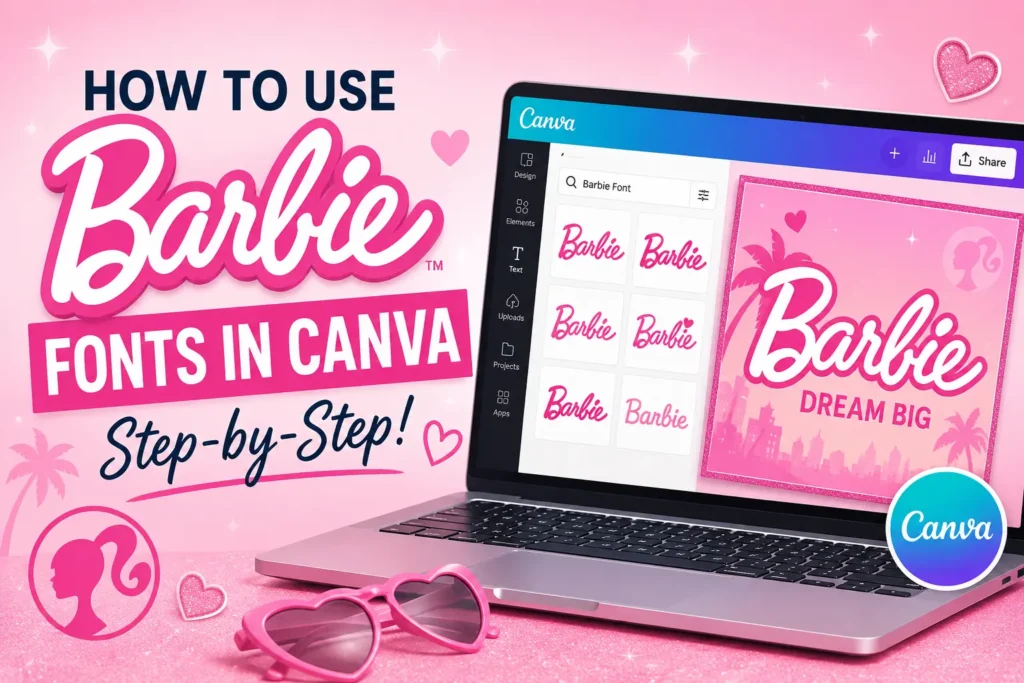
Canva doesn’t include a built-in Barbie font, so the cleanest way to get the look into your designs is to generate the wordmark separately and bring it in as an image. Here’s the full workflow, from typing your text to placing the finished design on a Canva template.
How to Use Barbie Fonts in Canva
What You’ll Need
Just a web browser and a free Canva account. No font installation, plugins, or design experience required.
Generate Your Barbie-Style Text
Head to the Barbie Font Generator and type the name or phrase you want to use. Choose from the available script, retro, bubble, or movie-inspired styles to set the overall look.
Customize Colors, Gradients, and Effects
Adjust the color palette, add a gradient, and apply an outline or 3D shadow if you want extra depth. This is also where you can fine-tune rotation and slant to match the angle of your Canva layout.
Download as a Transparent PNG
Once you’re happy with the design, export it as a transparent PNG. The transparent background is what lets the logo sit cleanly on top of any Canva template without a white box around the text.
Upload Your Design to Canva
In Canva, open the “Uploads” tab on the left-hand sidebar and add your downloaded PNG. It will now be available as an image element you can drag directly onto your design.
Position, Resize, and Layer
Drag your logo onto the canvas, resize it to fit, and layer it above or below other design elements as needed. Because the background is transparent, you can place it over photos, patterns, or colored backgrounds without any extra editing.
Project Ideas to Try in Canva
This workflow works well for Pinterest pins, Instagram story graphics, printable birthday invitations, and YouTube thumbnails. For more themed project inspiration, see our Barbie Font Ideas for Parties and DIY Projects .
Related: Using Barbie Fonts in Cricut
If your project is headed for a physical product rather than a digital one, the same exported PNG also works in Cricut Design Space.
Continue with the Cricut Workflow
Learn how to import your Barbie-style logo into Cricut Design Space and use it for decals, cake toppers, party decorations, personalized gifts, and other craft projects.
Read the Cricut Guide →