How to Use Online Font Generators for Instagram and TikTok
Using stylish fonts in social media profiles helps accounts stand out. Many Instagram and TikTok creators use fancy text in their bios, captions, and usernames to make their profiles more noticeable.
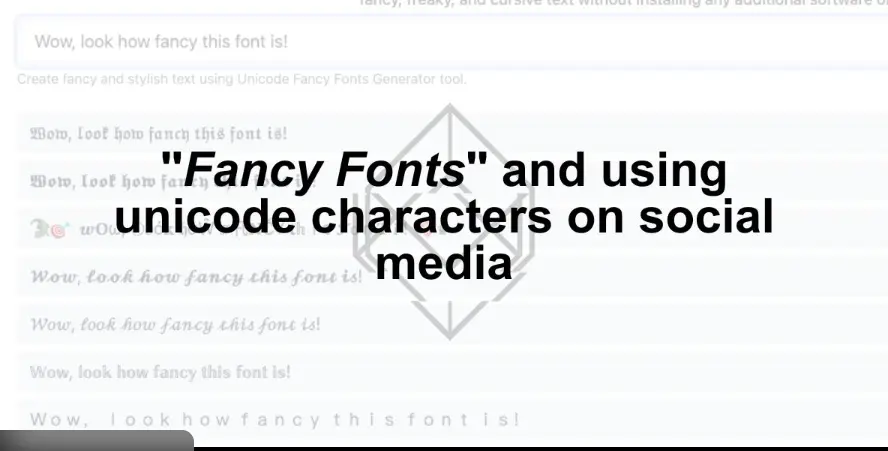
Online font generators allow users to convert normal text into decorative Unicode characters that can be copied and pasted into social media platforms.
This guide explains:
- what a font generator is
- how Unicode fonts work
- how to use font generators for Instagram and TikTok
- the best font styles for social media profiles
- common problems with fancy text
What Is an Online Font Generator?
An online font generator is a tool that converts regular text into stylish Unicode characters.
Example:
Normal text
Hello
Stylish text
𝓗𝓮𝓵𝓵𝓸
𝐇𝐞𝐥𝐥𝐨
𝕳𝖊𝖑𝖑𝖔
These are not actual font files. They are Unicode characters that look like styled letters.
Because they are Unicode characters, they work on most platforms including:
- TikTok
- Discord
- YouTube
Why People Use Fancy Fonts on Instagram and TikTok
Many creators use decorative text to make their profiles more memorable.
Profiles Become More Eye-Catching
Stylish fonts attract attention when someone visits a profile.
A unique bio style can make an account appear more creative.
Better Personal Branding
Creators often use the same font style across different platforms. This helps create a recognizable identity.
Creative Expression
Font generators offer many styles such as:
- cursive fonts-you may use a cursive font generator to generate cursive fonts.
- gothic fonts-you may use a gothic font generator to generate gothic fonts.
- bold fonts
- bubble fonts
- aesthetic fonts
These styles allow users to personalize usernames and bios.
How Online Font Generators Work
- Your name
- Instagram bio
- TikTok username
- Captions
Step-by-Step Guide: Using a Font Generator for Instagram
Step-by-Step Guide: Using a Font Generator for TikTok
Step 1 — Open a font generator
Step 2 — Type your TikTok username or bio
Step 3 — Copy a decorative style
Step 4 — Paste it into your TikTok profile
Other places you can use fancy text
- Captions
- Comments
- Video descriptions
Best Font Styles for Instagram and TikTok Profiles

Some styles work better for social media.
Cursive Fonts
Good for lifestyle or aesthetic accounts.
Example
𝓐𝓮𝓼𝓽𝓱𝓮𝓽𝓲𝓬
Bold Fonts
These create strong visual impact.
Example
𝐁𝐫𝐚𝐧𝐝
Gothic Fonts
Often used in gaming communities.
Example
𝕲𝖆𝖒𝖊𝖗
Bubble Fonts
Playful style used in entertainment profiles.
Example
ⓑⓤⓑⓑⓛⓔ
Common Problems With Unicode Fonts
Although decorative fonts work well on social media, there are a few issues users should know.
Device Compatibility
Some rare Unicode characters may not display correctly on older devices.
Readability Problems
Using too many decorative characters can make text difficult to read.
Copy and Paste Errors
Some platforms remove unusual characters automatically.
Example of a Stylish Social Media Bio
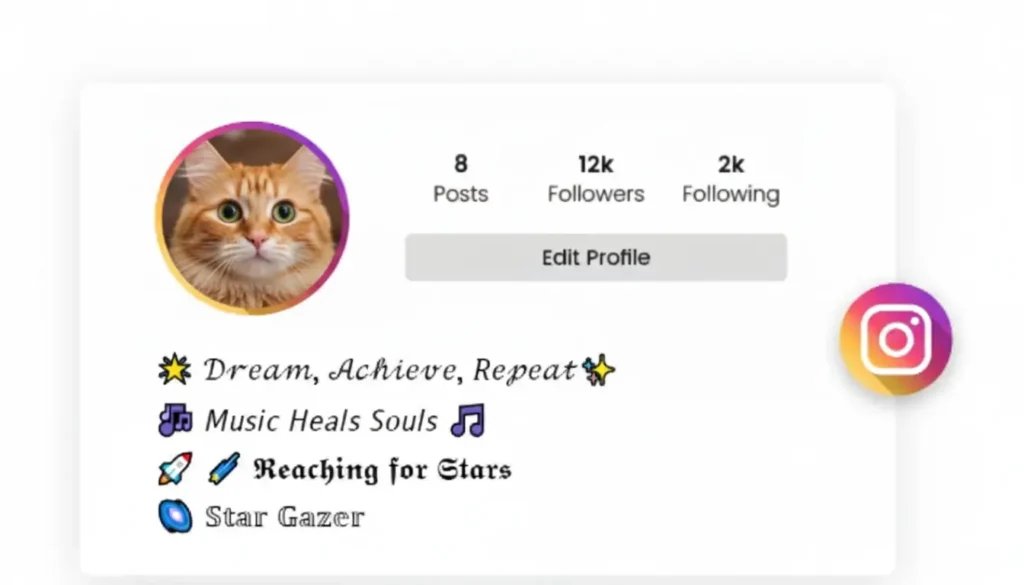
Many creators use decorative fonts to build a recognizable style.
Example:
Name
𝐌𝐚𝐫𝐢𝐚 𝐓𝐫𝐚𝐯𝐞𝐥
Bio
Travel Creator
Photography Tips
New Videos Weekly
Styled text makes the profile look more distinctive.